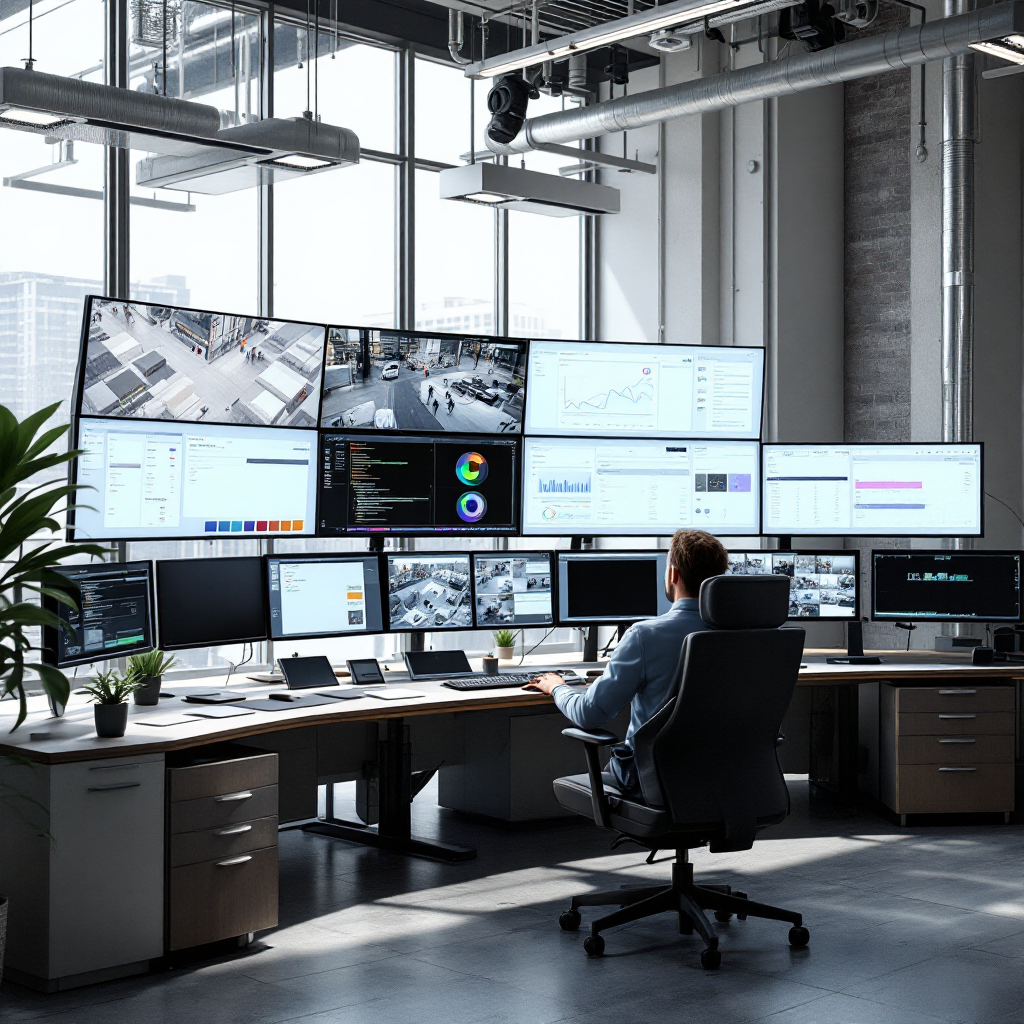
ai agents in video management system for smarter security operations
AI agents bring autonomy and scale to modern security. AI agents are autonomous or semi-autonomous software components that monitor video, flag issues, and act on rules. They connect to a video management system and to existing VMS tools to provide continuous situational awareness. In practice, AI analyzes video feeds and turns raw footage into searchable events and alerts. That lets security teams focus on response rather than constant review. For example, Visionplatform.ai turns existing CCTV into an operational sensor network that detects people and vehicles in real time and streams events to the security stack and business systems.
Long-term video analysis is central to smarter security. AI can track patterns across hours, days, and weeks. This supports proactive patrols, trend spotting, and root-cause analysis. If a VMS stores indexed events, an operator can run a video search to find prior related incidents quickly. Long-term context also reduces false positives. Instead of reacting to a single motion, AI learns normal patterns and flags critical events when they deviate. As one researcher put it, “If long-term video analysis by the AI agent becomes possible, it will enable autonomous operational support based on this video data” source.
Adoption statistics back the shift. A global survey reports that 84% of IT leaders trust AI agents equally or more than traditional systems, underscoring growing confidence in AI for security operations 84% trust. Also, market research shows productivity gains above 50% in many AI deployments, which often translate into faster investigations and fewer missed incidents productivity gains.
In a typical deployment, the AI agent ingests streams from ip cameras, applies object recognition, and alerts operators of people or vehicles of interest. This creates a force multiplier for security teams and improves perimeter protection. When linked to access control, AI helps ensure correct people enter restricted zones and that responses are triggered automatically. For organizations that need compliant operations, on-prem processing keeps data in private networks and supports auditability. The net result is a smarter security posture that automates routine tasks and raises higher productivity for responders and operators.
AI-Powered Video Analytics to detect threats in real time
AI-powered video analytics deliver the core functions that most security programs need. They handle motion detection, object recognition, and facial analysis so teams can detect critical events faster. Smart models classify people or vehicles and recognize unusual behavior. For example, video analytics detect unattended baggage, identify vehicles of interest, and spot loitering. These detections become alerts so security staff can act quickly. In many retail and transport deployments, AI-powered systems reduce response times and cut false alarms significantly.
Real-world examples show the value. In retail, AI video helps loss prevention by spotting suspicious carry-outs and repeat patterns across multiple locations. Retail managers get actionable reports and a video search link to footage. In transport hubs, operators use people-counting and crowd-detection to manage flows and prevent dangerous overcrowding. Airports also deploy ANPR/LPR models and traffic analytics to speed access and protect perimeters; see ANPR/LPR solutions ANPR/LPR in airports for context.
AI-powered analytics slash response times by automating triage. A real-time alarm triggers an on-duty responder with a short video clip and metadata. The responder sees the object type, location, and last known track. This reduces time-to-action and supports real-time response. At the same time, advanced AI reduces false alarms by filtering weather, shadows, and benign motion. The result is fewer nuisance alarms and more useful notifications for security teams.
Implementation choices matter. Edge models on ip cameras or local GPU servers provide low-latency detection, while central analysis supports cross-camera correlation and long-term trend reporting. Visionplatform.ai offers flexible model strategies so teams can add AI to existing cameras and vms systems without vendor lock-in. That lets organizations scale analytics where they need them and keep sensitive video data on premises for compliance.

AI vision within minutes?
With our no-code platform you can just focus on your data, we’ll do the rest
Scalable cloud video security across industries
Cloud video architectures enable multi-site coverage and elastic scaling for modern security needs. A cloud camera or hybrid setup lets organizations centralize event logging and manage policies across multiple locations. Cloud video systems can stream structured events into dashboards and BI tools. This supports enterprise-wide visibility for franchises, campuses, and transport networks. At the same time, an architecture that mixes edge and cloud keeps costs down and ensures low latency where needed.
Across industries, cloud video finds uses in critical infrastructure, healthcare, and education. Hospitals use video security to protect assets and to monitor patient and staff safety without intrusive procedures. Education campuses combine access control and camera system feeds to manage campus security and to detect unauthorized access. Critical infrastructure sites pair cloud-based orchestration with local processing to meet strict uptime and regulatory requirements.
Market demand for cloud-based VMS growth is strong. Analysts show rising adoption of cloud video security as organizations seek scalable operations and reduced hardware overhead. Cloud solutions offer lower capital expenditure and enable remote administration. This makes them attractive for enterprises managing multiple facilities and many network video recorders. Yet some organizations prefer local processing for sensitive sites. Mixed deployments that use cloud for orchestration and edge for detection are a common, ideal solution.
When designing a cloud strategy, teams should plan for secure links, encryption, and compliance with data protection laws. Visionplatform.ai supports deployments that keep detection local while publishing structured events to cloud dashboards for analytics and operational use. That approach preserves the benefits of cloud orchestration while reducing data transfer and supporting simplifying compliance and GDPR readiness.
ai-driven video surveillance system and security camera insights
An ai-driven video surveillance system adds intelligence to every security camera. Modern security camera models stream to edge devices or servers where intelligent video models run continuously. Edge analytics run on devices near the camera to provide real-time alerts with minimal latency. Centralised servers add correlation, historical search, and forensic capabilities. This mix gives teams fast local alarms and deeper analytical context for investigation.
Edge processing reduces bandwidth and storage. By filtering frames and sending only structured events or clips, the network load falls sharply. This improves scalability and lowers operating costs for large camera systems. It also enables operations around the clock without expensive cloud egress fees. For sites that require NDAA-compliant cameras or restricted data flows, local processing supports compliant deployments while still delivering powerful analytics.
Detection accuracy improves with data-driven model tuning. Organizations can retrain models on local footage to cut false alarms and to recognise site-specific objects. Visionplatform.ai highlights flexible model strategies: pick a model from a library, improve false detections with extra classes, or build a model from scratch using your VMS footage. This lets teams add ai video capabilities without replacing existing cameras, thus protecting capital investment in IP cameras and network video recorders.
Finally, AI integration helps create actionable alarms and notifications. When a perimeter breach or critical event occurs, the system can trigger an alarm, notify a responder, and push metadata to access control and incident workflows. That enables faster, coordinated responses and turns cameras into sensors that support operations beyond simple surveillance. This end-to-end video security approach gives security teams the tools they need to detect and respond effectively.
AI vision within minutes?
With our no-code platform you can just focus on your data, we’ll do the rest
video ai integrations in vms for complete security solutions
VMS vendors increasingly embed video AI modules to deliver unified security solutions. Integrations link detection outputs to alarm panels, incident management, and building systems. This creates smoother workflows and eliminates manual handoffs. When AI flags a suspicious person or vehicle, the VMS can open relevant camera streams, show a suspect’s trajectory, and attach context like last seen location. That turns raw video into an actionable, time-stamped event.
Compliance and fairness must guide AI deployments. Cybersecurity research warns that attacks target AI agents and conversational platforms, so organizations should adopt secure model management and robust access controls security warning. In addition, choosing solutions that are auditable and that keep data local helps satisfy privacy frameworks and the EU AI Act. Visionplatform.ai supports on-prem processing, customer-controlled datasets, and auditable event logs to help customers remain compliant while using advanced AI.
Best-practice steps for AI integrations include defining clear objectives, scoping camera coverage, validating models on local footage, and automating incident routes. Start small with pilot sites, measure false alarms and detection rates, and iterate. Include legal, IT, and operations teams early to align policies for data retention and access. When selecting vendors, prefer those that support existing cameras and standards like ONVIF, and that provide transparent model lifecycles. For airport-grade capabilities such as people detection or perimeter breach detection, specialized modules exist and can integrate into the VMS seamlessly; see intrusion and perimeter offerings intrusion detection and perimeter options perimeter breach detection.
cloud based project management of valuable data
Effective cloud based project management helps teams extract value from video. Project management tools track data pipelines, model training, and deployment milestones. They also manage labeling workflows and quality checks. A disciplined approach ensures that valuable data is curated for machine learning tasks and that models improve over time. Teams can version datasets, control access, and automate retraining when new annotated footage becomes available.
Storing and labelling valuable data requires policies for retention, encryption, and metadata standards. Use standardized tags for people, vehicles, and object recognition outputs so downstream analytics and dashboards can consume events easily. For training, balanced datasets that reflect on-site conditions reduce bias and improve detection of people or vehicles in varying light and weather. Project management also covers ROI metrics. Measure total cost of ownership against time-to-detection, false alarms reduced, and the time saved by automation.
ROI assessments should include soft benefits. For example, searchable video reduces investigative hours and speeds audits. Streaming structured events into operations systems turns cameras into sensors that power KPIs and OEE dashboards. This end-to-end approach helps teams build a business case and a sustainable roadmap. Finally, future-proofing strategies include modular ai integrations, support for multiple vendor cameras, and tools to export models and logs for audits. With strong governance, video data becomes an enterprise asset rather than a compliance burden.
FAQ
What are AI agents in a VMS?
AI agents are software modules that analyze video streams and act without continuous human input. They detect objects, classify behavior, and generate events for security and operations.
How do AI-powered analytics reduce false alarms?
AI models learn normal scene patterns and ignore benign motion from weather or animals. That reduces nuisance alarms and gives operators more useful notifications.
Can I add AI to my existing cameras?
Yes. Many solutions support existing cameras and ip cameras via ONVIF or RTSP. This avoids expensive camera replacement and lets you add ai-enabled features incrementally.
How does cloud video security differ from edge processing?
Cloud video centralizes management and scales across sites, while edge processing runs detection locally for low latency and reduced bandwidth. Hybrid architectures combine both for efficiency.
Are AI video deployments compliant with privacy rules?
They can be, if designed with on-prem processing, auditable logs, and strict access control. Choosing solutions that support compliant operation is essential for legal and regulatory alignment.
What industries benefit most from video analytics?
Transport, retail, healthcare, and critical infrastructure all gain value. Use cases include people-counting, perimeter protection, and forensic search across multiple locations.
How do I measure ROI for an AI video project?
Track reduced investigation time, fewer false alarms, higher productivity, and operational gains from structured events. Include both hard savings and operational improvements.
What is the difference between ai-powered video analytics and ai video analytics?
The terms overlap. Both describe AI models applied to video. The key difference lies in vendor features and integration into workflows and VMS systems.
How do AI integrations affect security workflows?
They automate detection-to-action paths, notify responders with clips and metadata, and link cameras to access control and incident systems. Workflows become faster and more consistent.
How do I start a pilot for video AI?
Begin with a small set of cameras, define success criteria, label a representative dataset, and run models on-site to validate performance. Iterate based on false alarms and detection accuracy.