


axis camera station installation on axis camera with acap
First, prepare your site. Check power, network and storage. Then confirm firmware versions on the axis camera and on your server. You need compatible cameras and the latest Axis firmware. Next, verify that the camera supports the Axis Camera Application Platform. The camera application platform, known as ACAP, lets you deploy analytics at the edge. For Axis devices this is essential. For installation, follow these steps.
Step 1: Gather prerequisites. You will need a supported axis camera, a PC for the management software, and the axis camera station licence if you use the full package. Also, ensure a stable network and a spare NVR or server for longer retention. Step 2: Install axis camera station or axis camera station pro on the server. Then connect the network cameras to the same subnet. Step 3: Open the user interface and add devices. Add each camera by IP or using auto-discovery. Step 4: Enable ACAP on the camera and install the analytics application through the camera’s web page or through the camera application platform. Step 5: Configure the camera’s event management system so that axis camera station receives events.
During setup, test basic video streams. Then enable edge processing for AI-based analytics to keep data local. If you prefer, Visionplatform.ai can help you integrate models that run on-prem. Our platform uses the same network technology and supports major video management systems and VMS integrations, so you can stream structured events for business intelligence and operations. Finally, test alerts and notifications. Validate that the management software records events, that you can set up automatic responses, and that the installation meets site policy. For compliance guidance and hybrid architecture trends, see this Axis report on hybrid AI architectures “The shift to hybrid AI architectures is accelerating”.
leveraging the axis camera application platform for third-party analytics
The camera application platform opens doors for third-party modules. First, install ACAP apps from Axis or from integration partners. Then, the camera can run analytics comes preinstalled on compatible models or accept deployment packages from vendors. This lets you integrate a variety of AI models without routing every stream to the cloud. For example, you can run an external analytic that classifies vehicle types at the edge, or a custom model that recognizes specific site objects. Many vendors provide tools that integrate with Axis via the camera application platform and the camera’s local API.
Security matters. Therefore, choose vetted third-party applications and review code signing and certificate policies. In addition, check that the module follows EU privacy guidance if you operate in Europe. Axis Communications notes that responsible AI and governance are key when deploying third-party analytics; it warns companies to put transparency first “companies must prioritize ethical practices to balance security benefits with privacy concerns”. For many sites, running models locally avoids unnecessary data exfiltration. Moreover, edge-based analytics reduces bandwidth and latency compared with cloud-only solutions, which helps in rapid incident response.
Integration examples include Briefcam-style forensic tools, ANPR models, and custom object classifiers. Visionplatform.ai supports custom on-prem models that you can train on your own footage, so you avoid vendor lock-in and keep control of data. To explore use cases for people or vehicle detection in airport settings, see our resources on people detection and ANPR/LPR. Finally, always test a third-party app in a staged environment before production to validate performance and security.

AI vision within minutes?
With our no-code platform you can just focus on your data, we’ll do the rest
applying video analytics and metadata for enhanced surveillance
Define key functions before you deploy. Object detection finds people and vehicles. Classification separates classes so you can distinguish moving objects from stationary items. Tracking preserves identities in a short time window so you can follow movement across cameras. Together, these capabilities let systems classify and track in various scenarios. Axis object analytics often provides the building blocks needed for this work, but you can also add specialised models for tailored tasks.
Metadata is the glue. When the analytics detect an event, the camera writes time, bounding box, object class and confidence into metadata fields. Axis Camera Station ingests that metadata and indexes it for search. Then operators can filter events by object type, direction, or confidence. This makes forensic search faster and reduces time to evidence. For example, in perimeter protection you can set rules that only alert on human detection in defined zones. For traffic monitoring, the system can count types of vehicles and measure speed using metadata overlays.
Use metadata to automate responses. For instance, the analytics can trigger a notification to security, feed events to access control, or push structured messages into business intelligence dashboards. If you need a retail use case, occupancy and people counting can power heatmaps and footfall trends that help optimise store layouts. To see specific airport analytics that convert video to operational data, review our pages on people counting and perimeter breach detection. Also, remember that image processing and metadata generation run faster with edge processing, which reduces bandwidth and improves responsiveness.
analytics that deliver easy access to actionable insights
Real-time alerting transforms surveillance into an operational tool. Axis Camera Station supports rule-based events, so you can set up automatic responses when criteria match. For example, set a rule to alert only when a person enters a restricted zone during certain hours. Then, the system sends a notification and streams the event to your incident console. This flow reduces the need for manual review and helps teams respond faster.
Dashboards surface trends without endless footage. Visual summaries show counts, dwell time, and heatmaps. Consequently, security teams and operations can gain valuable insights at a glance. The platform also supports forensic search so you can jump to relevant clips by filtering metadata. Axis research shows that well-configured analytics can reduce false alarms by up to 90%, improving response times and saving resources “reduce false alarms by up to 90%”.
Additionally, hybrid AI approaches let you run initial detection at the edge and escalate complex analysis to the server or cloud. As Axis reports, “The shift to hybrid AI architectures is accelerating” which supports low latency for critical incidents source: Axis newsroom. When alerts arrive, you can set up automatic responses that lock doors, notify guards, or annotate incidents for later review. These features give easy access to actionable insights and make surveillance systems truly useful across security and operations.
AI vision within minutes?
With our no-code platform you can just focus on your data, we’ll do the rest
operational efficiency and value at no extra cost
Edge analytics lower bandwidth and storage. By processing on the axis camera, you send only events or short clips to the archive. Hence, you save on storage costs and network load. If you compare on-camera AI versus cloud processing, the benefits are clear: lower latency, better privacy, and improved cost-effectiveness for continuous monitoring. For large estates, edge processing reduces recurrent cloud bills and keeps sensitive footage in-house.
Many advanced analytics features come preinstalled on compatible axis models, which gives value at no extra cost beyond licensing. This approach makes deployments cost-effective while keeping strong functionality. Also, edge-based analytics frees server cycles for aggregated reporting or complex forensic tasks. When you need scalable solutions, distribute workloads across cameras and a central server to balance CPU and GPU resources.
Choose a deployment that matches your risk and compliance posture. Visionplatform.ai focuses on on-prem processing, private model training and MQTT streaming so that event data serves security, operations and business intelligence without leaving your environment. This model supports GDPR and EU AI Act concerns by design. Finally, edge analytics supports operational efficiency by reducing false positives and by making alerts practical for busy teams. This delivers measurable savings and faster incident handling, while still supporting integration with existing NVR and VMS infrastructure.
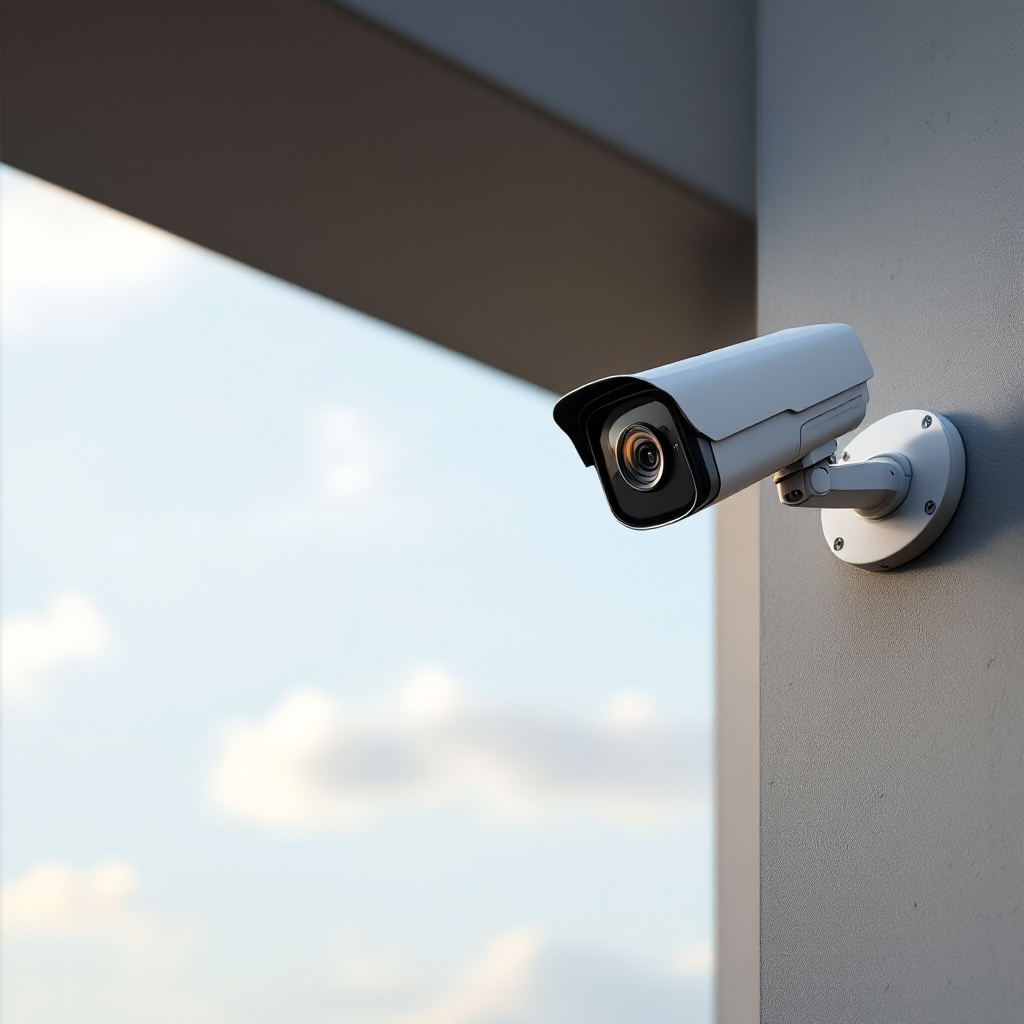
tailor axis camera station for access to actionable insights
Start by tailoring rules to your site. Use custom zones, time schedules and thresholds. Then adjust confidence levels so the system triggers only when you want it. This reduces false positives and keeps alerts meaningful. You can also fine-tune detection windows to ignore routine movement like trees or street traffic. Next, build custom reports that match your workflows. For operations, include counts, occupancy and dwell-time metrics. For security, prioritise intrusion and loitering events.
Axis Camera Station supports a flexible rule engine and a user interface that helps admins create tailored workflows. For complex sites, integrate third-party analytic modules or use local models that specialise in PPE, ANPR or object classes. Visionplatform.ai provides on-prem model fine-tuning so you can train algorithms on your own footage and reduce false detections. This makes alerts more relevant and helps teams make informed decisions. Also, you can stream structured events to dashboards, BI tools or SCADA systems to extend use beyond security.
Best practices include periodic recalibration, scheduled software updates, and regular review of alert thresholds. Keep a log of changes so you can audit performance and stay compliant. When needed, automate testing of rules and review sample events to confirm the system acts as intended. Finally, set up role-based access so operators, managers and auditors see the views they need. These steps help you optimize detection, classify events accurately, and sustain long-term value without extra cost.
FAQ
What are the prerequisites for installing Axis Camera Station on Axis cameras?
You need supported Axis network technology, compatible cameras, and a server or PC running the management software. Also confirm firmware versions and that the camera supports the camera application platform for ACAP deployment.
How does ACAP enable third-party analytics?
ACAP lets vendors install applications directly on the camera so models run at the edge. This reduces bandwidth and lets you keep data on-site while you automate detections and notifications.
Can I integrate third-party models like ANPR with Axis Camera Station?
Yes. Integration partners and third-party modules can be deployed via the camera application platform, and they can push events into Axis Camera Station for alerts and forensic search.
How is metadata used inside Axis Camera Station?
When analytics detect an object, the camera writes metadata such as object class, time and bounding box. Axis Camera Station ingests that metadata to enable fast search and automated rules.
Do analytics reduce false alarms?
Properly tuned analytics can dramatically reduce false alarms. Axis research reports reductions of up to 90% when systems use targeted detection and hybrid processing source.
Should I run analytics on the camera or in the cloud?
Edge processing lowers latency and bandwidth, and helps with privacy. Hybrid setups work well: run initial detection on the camera and escalate complex analysis to a server when needed.
How do I avoid vendor lock-in and improve accuracy?
Use a platform that supports local model training and private datasets. Visionplatform.ai allows retraining on your own footage so you can tailor models to your site and reduce false detections.
Are advanced analytics features extra cost?
Many analytics come pre-installed on compatible axis models or are available without additional per-feature fees, which provides value at no extra cost beyond camera licences in many deployments.
Can analytics support business intelligence, not just security?
Yes. Structured events and occupancy metrics can stream into BI dashboards to inform operations and planning. This expands the use of cameras from security to operational sensors.
How do I maintain and optimise my analytics over time?
Regularly review alert thresholds, schedule firmware and app updates, and audit event logs. Retrain models on new data when site conditions change to sustain accuracy and relevance.
