
nx witness VMS: Overview and Edge Analytics Architecture
nx witness provides a flexible server application for video recording and live monitoring, and it sits at the heart of many modern surveillance deployments. The nx witness system combines the media server and client components to manage streams, and it supports both in-camera analytics and external analytics plugins. For organisations that prioritise privacy and speed, edge-based AI analytics reduce cloud dependency and bring processing next to the camera. This approach keeps video data local and therefore supports GDPR and EU AI Act compliance, and it shortens response time for operators.
The architecture uses the nx witness server to ingest IP cameras and to forward a single video stream or multiple copies to analytics engines. When you deploy object-based analytics at the edge, you cut latency and cut bandwidth costs, and you keep sensitive footage inside your perimeter. Network Optix emphasises the platform’s openness, and it supports many integrations and third-party plugins that enable advanced analytics and automation within the nx witness video management system. For example, Visionplatform.ai works with existing CCTV and with nx witness to detect people and vehicles at the edge, and to publish structured events for operational systems.
Edge processing also improves resilience. If cloud links fail, the nx witness server keeps recording, and the AI model continues to process source video locally. That helps security personnel to continue work without interruption. Using nx witness with an on-prem AI stack means you can fine-tune models on-site and keep model training private. If you want further reading on people detection approaches in airports, see our people detection guidance for practical examples: detecção de pessoas em aeroportos. Overall, using nx witness for edge analytics makes the surveillance system more responsive and privacy-aware.
video analytics Capabilities: Real-time Detection and Alerts
The integrated AI engine can detect people, vehicles, and animals in real-time and tag events as they occur. The plugin delivers bounding boxes, object attributes, and time stamps so that operators can act quickly. Detection accuracy for modern AI solutions often exceeds 90% in many conditions, and this improvement reduces false positives compared with legacy motion detection systems (orientação do setor). As a result, teams save time and focus on real incidents, and one study found up to 40% reduction in manual review time when automated filters are applied (referência de caso).
Within nx witness you can create specific event rules and intelligent notifications to route events to operators or to downstream systems. The system supports pattern-based rules, so you can notify only when objects cross a region at a certain time. In addition, the analytics events include object metadata for every detection so you can attach confidence, class, and track ID to each record. For environments that need vehicle insights, consider the vehicle detection and classification examples we maintain: detecção e classificação de veículos em aeroportos.
The system gives one central view inside the nx witness client and it supports intelligent alerts and filtered timelines. Because the analytics run locally, the solution keeps latency low and keeps sensitive frames inside your perimeter. The analytics plugin for nx witness can be tuned to reduce nuisance events, and it supports deployment across mixed camera fleets and in-camera analytics from leading manufacturers.
AI vision within minutes?
With our no-code platform you can just focus on your data, we’ll do the rest
integration Process: Installing the CVEDIA-RT AI Plugin
To add AI to nx witness start by checking system administration requirements and hardware. You will need a host with sufficient processing power or a GPU server that meets the cvedia-rt plugin recommendations, and you should confirm the number of streams each node will process. The cvedia-rt ai analytics plugin installs into the nx witness server and registers as an analytics provider. During installation you can activate a trial license during installation to validate performance before purchase (manual do usuário).
Follow these steps to enable the plugin. First, stop the server and back up configuration. Second, upload the analytics plugin package and copy plugin files into the nx witness server plugin folder. Third, restart the server and enable the plugin from the server administration console. Fourth, use the nx witness client to add the analytics node as a processing target and to map cameras to analytics pipelines. The ai analytics plugin for nx includes a simple UI for model selection and for setting detection thresholds. If you need instructions on integration with nx see the official integration notes from the vendor (documentação CVEDIA).
Compatibility matters. Confirm that your IP cameras support the codec profiles your nx witness server expects and that camera settings permit the required frame rate. If you run in-camera analytics, you can use native support for in-camera analytics and then forward analytics events into nx witness. For licensing, register the cvedia-rt plugin license key inside the server and configure plugin settings for each camera. If you run into issues, consult the troubleshooting chapter in the manual and verify network paths and GPU drivers. Also, you can test with a small set of cameras before you deploy across the entire estate.
object search Tools: Retrospective Event Investigation
Object search helps investigators to find people and objects across extensive video without manual review. nx witness provides a search feature that indexes object metadata and stores object snapshots in an object database for fast queries. Use filters for object type, time range, region, or attributes to narrow results. The retrospective search capability speeds up forensic tasks and lets security teams recover evidence quickly.
Start a search by selecting the camera and the time window, and then add filters for object attributes such as colour, size, or direction. The search feature pulls records from video archives using object metadata instead of scanning pixels. You can export results as clips, stills, or CSVs with timestamps and detection confidence. In airports or high-traffic sites you might pair object search with our forensic search tools to speed operations; see our forensic examples busca forense em aeroportos for details.
Use cases include lost-item recovery, suspicious-vehicle tracing, and cross-camera trail reconstruction. You can also use searches to validate system automations and to tune event rules. The search interface supports export options and report generation so that evidence is portable and auditable. For organisations that want ANPR/LPR or PPE-specific search, see our dedicated pages such as the ANPR guide ANPR/LPR em aeroportos. Finally, retain your evidence chain by exporting with timecodes and by including object metadata for every exported object.
AI vision within minutes?
With our no-code platform you can just focus on your data, we’ll do the rest
advanced object search Strategies: Custom Rules and AI Tuning
Advanced object search goes beyond simple filters and uses custom detection rules and AI model adjustments to refine results. Create event rules that combine object presence, dwell time, and region crossing to isolate specific behaviours. For example, configure a rule that flags loitering by combining people detection with a dwell-time threshold. If you need a ready reference, our guidance on loitering detection shows practical rule sets: detecção de permanência suspeita em aeroportos.
Tuning requires balancing sensitivity and false positives. Start with conservative thresholds and then lower them selectively on problem cameras. Use short validation cycles and review analytics events against ground truth video. If you have crowded scenes or low light, choose an ai model optimised for those conditions and tweak confidence cut-offs. Visionplatform.ai offers flexible model strategies so you can retrain or refine models on local footage and so you can reduce false detections while keeping privacy intact.
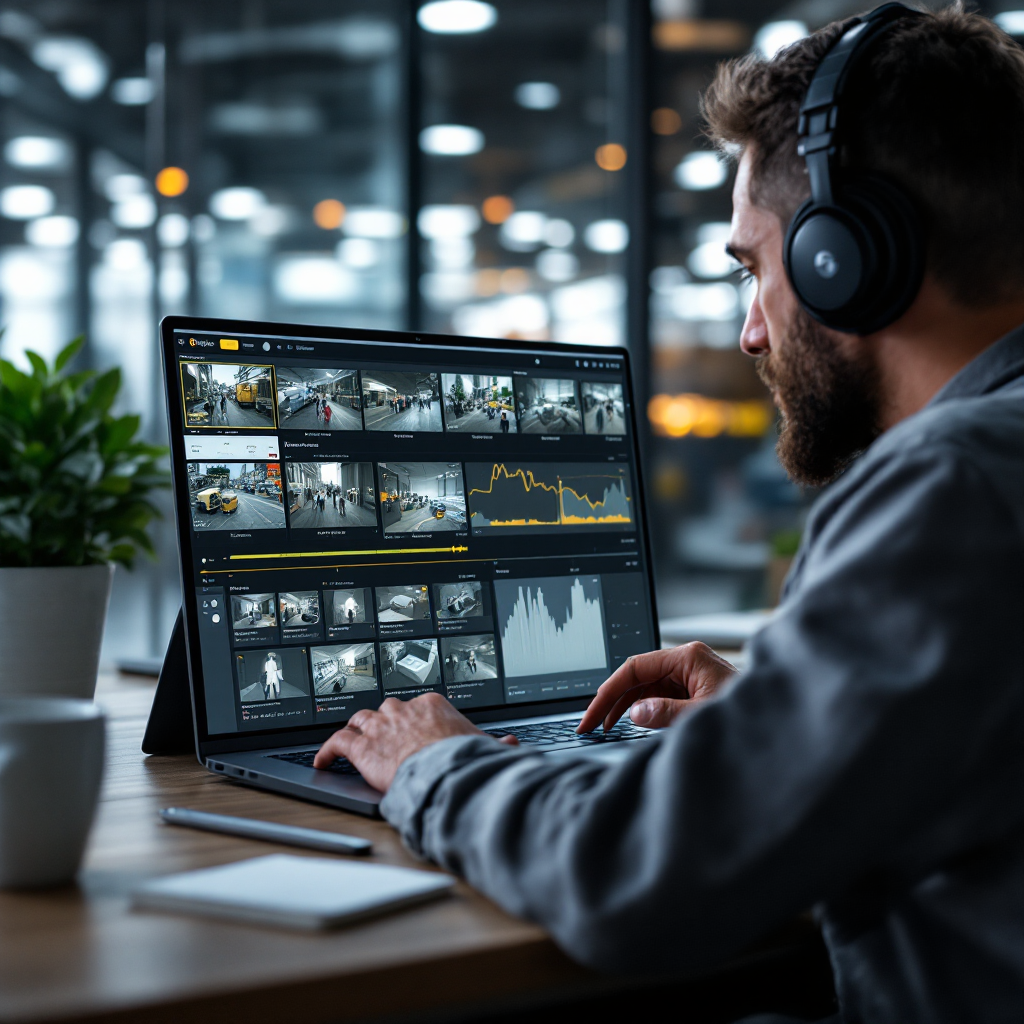
Also, deploy camera-specific configuration. Adjust camera settings such as exposure and frame rate to feed the best source video into the model. Validate changes by running retrospective search queries and comparing objects detected before and after tuning. Finally, document rule changes and retain versioned model metadata in case you need to audit decisions or to reproduce results later. This validation practice ensures reliable alerts and dependable search outcomes.
nx witness and video analytics Performance: Metrics and Best Practices
Monitor key performance indicators such as latency, throughput, and detection accuracy to keep the system healthy. Measure end-to-end latency from source video to detection event, and track the number of streams per analytics node. CPU and GPU monitoring gives insight into processing power usage and into what might impact the performance. Also watch memory and disk I/O while the nx witness server handles concurrent video recording and analytics processing.
Scale by distributing load across multiple NX nodes and by using dedicated media server hosts for recording. If you must deploy across sites, replicate configuration and test a contained pilot first. Document server specifications and the number of streams per node so you can plan capacity. Use automation to restart services when health checks fail and to rotate logs for long-term retention. For reference on native features, see how nx witness supports integrations and camera ecosystems on the vendor integration page (integrações da Network Optix).
Maintenance routines should include plugin upgrades, model updates, and periodic calibration of camera settings. When you enable the plugin, keep a schedule for activate the trial license and then switch to a production key after validation. Back up configuration and object metadata before major changes. Finally, use metrics to guide tuning so that detection accuracy and system performance remain aligned with operational needs. This approach helps turn video data into actionable insights that support security and operations at scale.
FAQ
How does nx witness add AI to existing camera fleets?
nx witness integrates analytics plugins and in-camera analytics to add AI without replacing cameras. You can map cameras to analytics pipelines and process video locally on the nx witness server or on an attached analytics node.
What detections are supported when using AI with nx witness?
Supported detections include people, vehicles, and animals, and attribute tagging such as pose and direction. Additional custom classes are possible through model selection and retraining.
How accurate is AI detection compared with motion detection?
Modern AI often achieves accuracy above 90% in many scenarios, and it reduces false positives that stem from simple motion detection (orientação do setor). That lowers manual review time and improves operational focus.
What is the installation process for the cvedia-rt ai analytics plugin?
Installation involves placing plugin files on the nx witness server, restarting services, and enabling the plugin from the server console. The vendor manual provides step-by-step guidance and a trial license option (manual).
Can I search historical footage for specific objects?
Yes. Use the object search and retrospective search features to query archives by object attributes, time range, and region. Exports include clips and metadata to preserve an evidence chain for investigations.
How do I tune AI models for crowded or low-light scenes?
Tune by selecting an appropriate ai model and by adjusting confidence thresholds and camera settings. Validate changes via retrospective queries and iterate on rule sensitivity to balance misses and false positives.
Does nx witness support in-camera analytics?
Yes, nx witness supports native in-camera analytics from leading manufacturers and can ingest analytics events alongside video. This allows flexible architectures that mix edge and in-camera processing.
What maintenance is required for an AI-enhanced nx witness deployment?
Plan for plugin upgrades, model updates, and periodic calibration of camera settings. Monitor CPU/GPU usage and stream counts to anticipate scaling needs and to protect system performance.
How does Visionplatform.ai work with nx witness?
Visionplatform.ai integrates with nx witness to detect people, vehicles, and custom objects in real time and to publish structured events for operations. The solution focuses on on-prem, GDPR-friendly deployment and model tuning on local data.
Can alerts be tuned to avoid false positives?
Yes. Create event rules that combine detection classes, dwell times, and region crossings to reduce nuisance events. Use conservative thresholds initially and validate with retrospective search to ensure reliability.